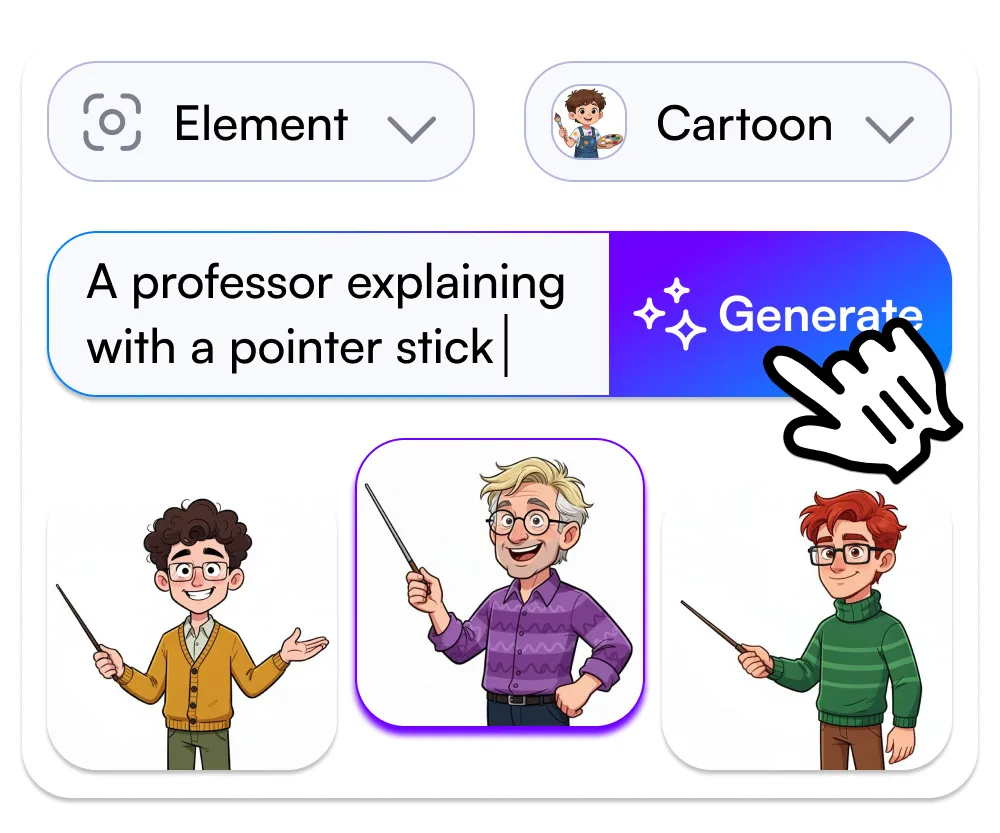


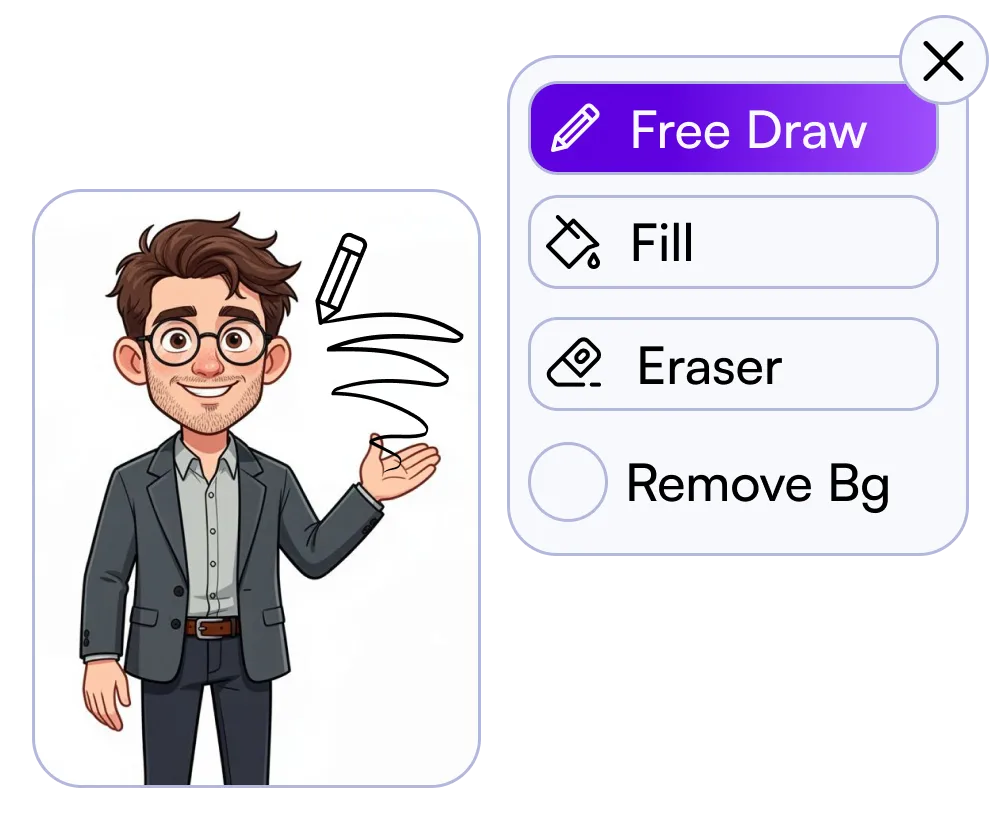
InstaDoodle is a cloud app for doodle-style explainer videos. You type a prompt or a short script. The vendor’s DoodleAI engine is described as generating whiteboard-looking scenes. You assemble them in a drag-and-drop editor. The vendor says you do not install anything.
Most AI video tools want to make a movie. A lot of people want a marker and a board.
You already know the look: a hand sketching the idea while someone talks. Teachers use it. Course people use it. Product walkthroughs use it. It is readable. It is not cinematic.
The old path is slow. You hunt a clip library. You draw frames. You sit in a desktop whiteboard suite you installed last year and barely opened.
The new path is often the wrong look. Generic AI video gives you stock-looking b-roll when you asked for a stick figure and a dry-erase arrow.
InstaDoodle is aimed at that gap: a faster path to a doodle explainer you can export. That is the job. It is not a new career. It is not a promise the video will perform. It is not a promise the first render is the one you keep.
What the vendor says the tool is
A browser tool. The vendor says it is 100% cloud-based: no download, no install, log in and work.
- DoodleAI. Type a prompt. The vendor says the engine returns a doodle character or object. That is their description of the feature, not a guarantee every prompt looks right.
- A clip library. They advertise 1,000+ doodle elements. That is their number.
- An editor. Drag-and-drop. You assemble scenes instead of drawing every frame.
- Image-to-sketch. Vendor feature list: turn an image into a doodle-style sketch.
- Voice and music. Vendor feature list: add voiceover and background music.
- Export. 1080p HD is advertised.
- Credits. Some plans list AI credits. A vendor plan table has shown 150 on a front-end-style tier. Extra generations can mean a top-up or an upsell. Read the live plan table.
- Upsells exist. A separate vendor page sells an “AI Wizard” bundle (script + voice + images) as a one-time bump. Expect a front-end plus a possible next screen. You can decline extras.
The only proof on this page is the vendor’s own feature list, the official sample videos, the cloud / no-install FAQ, and the ClickBank checkout. Confirm refund length on checkout. This page does not invent a guarantee window.
What it is not
It is not Premiere. It is not a heavy motion-design pipeline. If you need frame-accurate animation, compositing, or a giant mobile template mall, this is the wrong tab.
It is not a guarantee that the first prompt looks good. AI doodles often need a second pass. Budget that.
It is not an income product. Making a video is not making money. This page will not tell you the videos will get views, clients, or sales.
It is not “unlimited everything” if the plan uses credits. If the table lists credits, those are a cap. “Unlimited videos” on a sales page may mean projects, not infinite AI generations. Read the line.
Who this is for. Who should close the tab.
Stay if you specifically want the doodle / whiteboard look for explainers, lessons, or product walkthroughs, and you will accept a simple cloud editor plus some prompt retries.
Leave if you need After Effects-level control, you refuse credits or upsells on principle, or you thought this was a side-hustle course.
You still write the idea. The tool draws in a doodle style. That is the whole transaction.
Price: one expected number, then two things that change the deal
The figure to expect on the front-end is a one-time $37. That is the number public reviews and the ClickBank-style offer pages keep citing. Confirm it on the checkout you actually see. The vendor’s affiliate page has also said the deal may later become a subscription, so the live screen wins.
Two things change the deal after that number:
- Credits. How many AI generations are in the plan, and what a top-up costs.
- The first upsell. AI Wizard has been offered as a one-time bump (script + voice + images). Decline it if you only want the front-end tool.
Refunds follow ClickBank’s policy for this product. Use ClickBank for order support. Use the vendor for product support. Check the live terms.
If the job on your desk is a doodle explainer, look at the official offer.
No income, traffic, or video-performance results are promised. Educational / software review only.